
Originally posted on The Digital Media Zone
 Amazon recently unveiled the latest addition to its Echo product line. The Echo Look, like the original Echo, will be available initially to US customers by invitation only. Echo Look has the same Alexa Voice Service found in other Echo devices, but it also has a camera built in to take vertical-format full-body photos and short videos, hands-free. It includes built-in LED lighting, a depth-sensing camera, and computer vision-based background blur to make subjects stand out and improve the accuracy of Amazon’s machine learning algorithms.
 It takes time to get comfortable with the idea of giving up privacy. We allowed it with email, then we started posting online what previously would have been considered private photos and videos. Next, we decided it was fine to share our location 24/7, and then we willingly brought always-listening microphones into our homes. Of course a camera for the bedroom would be next! The live streaming shower cam can’t be far behind. Actually…let’s hope it’s not.
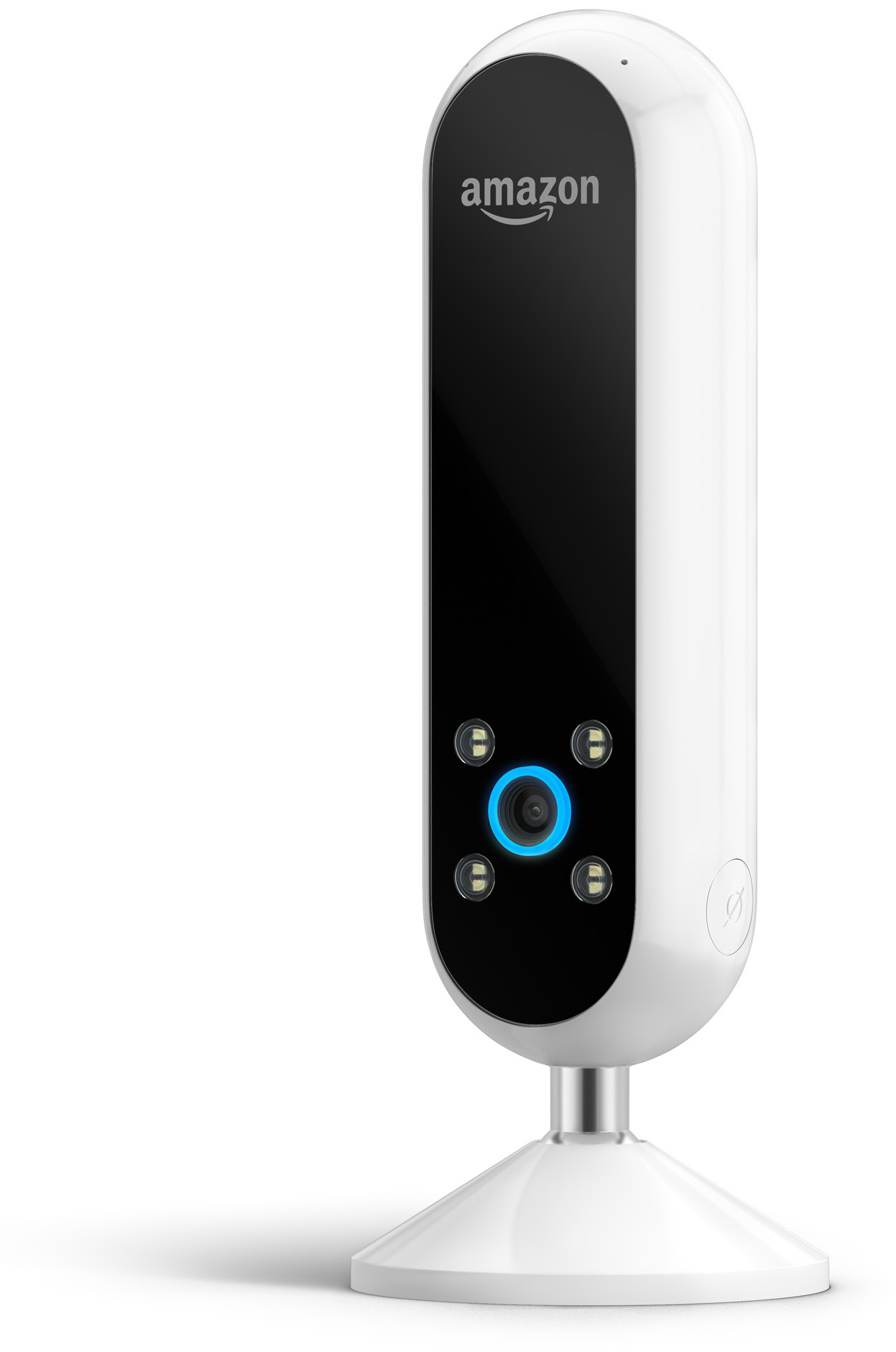 Amazon recently unveiled the latest addition to its Echo product line. The Echo Look, like the original Echo, will be available initially to US customers by invitation only. Echo Look has the same Alexa Voice Service found in other Echo devices, but it also has a camera built in to take vertical-format full-body photos and short videos, hands-free. It includes built-in LED lighting, a depth-sensing camera, and computer vision-based background blur to make subjects stand out and improve the accuracy of Amazon’s machine learning algorithms.
Amazon’s promotional video describes how its new Style Check service will let you get outfit advice from fashion specialists. It’s pretty clear they’re targeting female shoppers, since the only guy in the video is shown for a total of about two seconds. And it’s a smart step for them—McKinsey & Company estimates the fashion industry to be worth $2.4 trillion, and it is expected to accelerate this year.
Echo Look makes perfect sense for Amazon, and it all fits with its moves toward global retail domination. It’s been betting big in the fashion space with numerous partnerships and acquisitions—even its own streaming fashion series, Style Code Live. According to one Bloomberg report, Amazon is now the biggest online clothing retailer. And consider this: The Echo Look will offer an enormous treasure trove of data for brands to track satisfaction levels, reducing costly returns and exchanges.
But…
Can we just say this? Putting a camera in your dressing area is creepy! Consumers have had mixed reactions to the idea of bringing cameras into the very private spaces in their homes Perhaps this initial discomfort is because it’s a fairly new concept, but c’mon…the dressing area?
 It takes time to get comfortable with the idea of giving up privacy. We allowed it with email, then we started posting online what previously would have been considered private photos and videos. Next, we decided it was fine to share our location 24/7, and then we willingly brought always-listening microphones into our homes. Of course a camera for the bedroom would be next! The live streaming shower cam can’t be far behind. Actually…let’s hope it’s not.
Seriously though, the data gathered will undoubtedly evolve to other Echo products and uses quickly, and the possibilities are intriguing. Amazon is reported to be accelerating its Echo with a screen (code-named Knight) and could reveal it as early as next month.
What if you could take a photo of yourself, allowing a depth sensing camera to take your measurements and virtually dress you? In minutes, you could see what multiple outfits would look like on you from a screen right in front of you. Or imagine having a professional chef assist you in the kitchen, giving pointers instantly, showing examples, and making suggestions for side dishes to compliment your meal. And Amazon will be ready to deliver fresh ingredients, or anything else you need to complete the meal, right to your kitchen!
We’d like to know what you think about bringing not just microphones but Amazon cameras into your home. Share your thoughts in the comments, below.


